How to Sell a Book on Amazon: A Step-by-Step Plan
Learn how to sell a book on Amazon with a practical KDP plan for keywords, categories, pricing, Author Central, and first-book marketing.
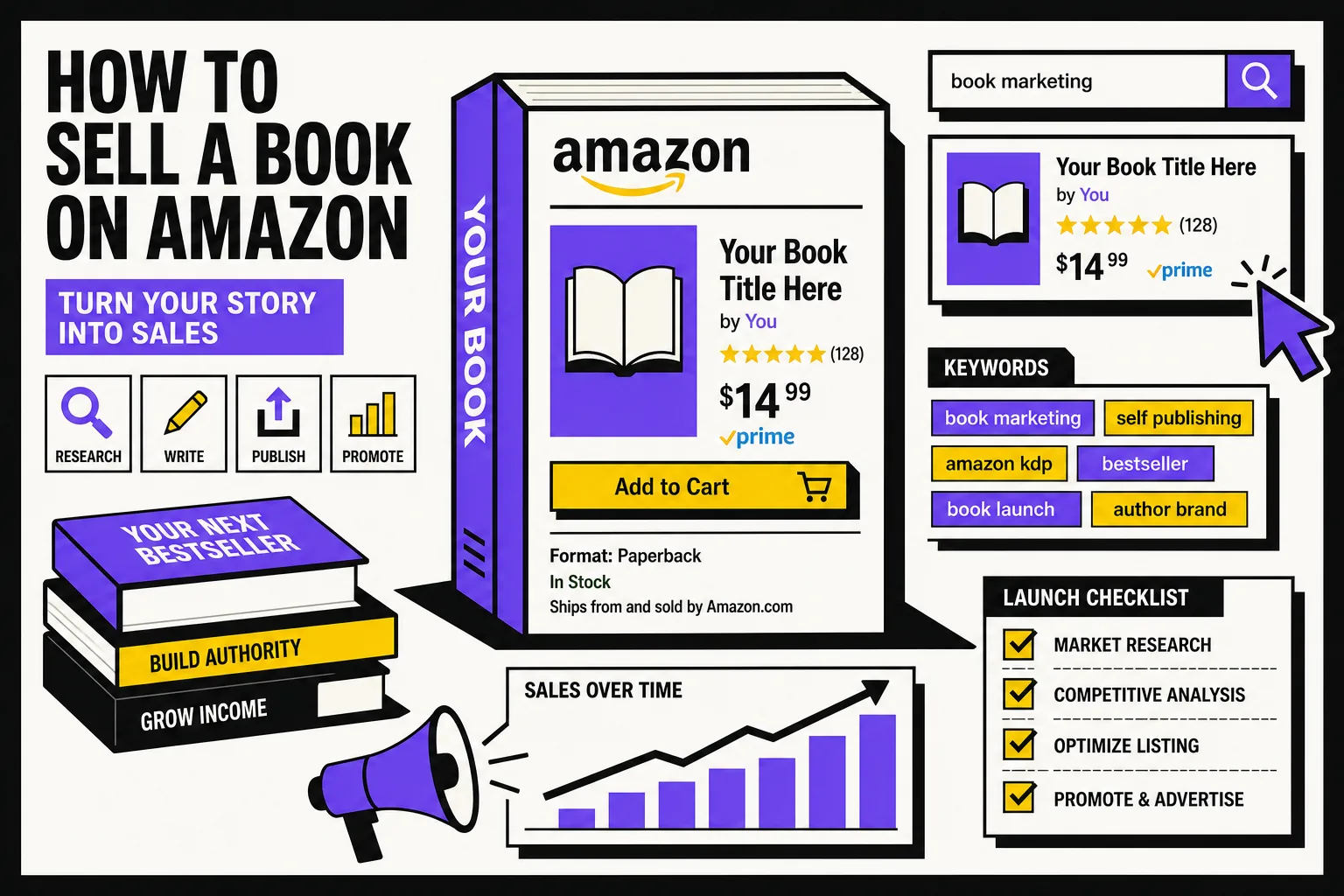
If you searched how to sell a book on Amazon, there are really two different businesses hiding inside that phrase. One is reselling books. The other is what most authors actually mean: publishing your own book through Amazon KDP and getting readers to buy it.
This guide is for the second path.
And here is the blunt truth: most books do not fail because the upload button was hard to find. They fail because the product page is weak, the metadata is vague, and the author launches into silence. Amazon can list your book fast, but it cannot explain your story better than you can.
How to sell a book on Amazon, step by step
At a high level, the plan looks like this:
- Publish through KDP, not the general Amazon seller path.
- Build a book page that earns the click and the sale.
- Choose sharp categories and keywords.
- Use pre-order or a planned release date to create runway.
- Complete your Amazon assets, especially Author Central and A+ Content.
- Price with a real strategy.
- Bring your first traffic yourself.
- Add Amazon Ads after the page is converting.
- Keep improving the weakest link instead of changing everything at once.
That is the whole game.
Step 1: Use the author path, KDP
If you are selling your own ebook, paperback, or hardcover, the right tool is Kindle Direct Publishing. KDP is free to use, supports print and digital formats, and Amazon says books can appear in stores around the world within 72 hours of publication. It also supports publishing in over 45 languages across more than 10 countries (KDP overview).
That matters because many new authors search "how to sell a book on Amazon" and end up reading advice meant for retail arbitrage, used textbook resellers, or full Seller Central businesses. That is a different job.
For authors, the real work is this: turn your manuscript into a strong retail product page.
Step 2: Build a product page that can actually convert
Before you think about ads, fix the page itself.
Your Amazon detail page has to answer three questions fast:
- What kind of book is this?
- Who is it for?
- Why should I care right now?
Here are the parts that do most of that work.
Cover
Your cover is not decoration. It is your thumbnail ad.
On Amazon, readers are often comparing your book at a tiny size beside ten others. A beautiful cover that reads badly as a thumbnail is still a weak sales tool. Genre signal beats personal symbolism almost every time.
Title and subtitle
Clarity wins. If the cover says epic fantasy and the subtitle sounds like corporate nonfiction, you have a conversion problem before the reader even hits the blurb.
Description
Amazon's own KDP help says your description is often the reader's first impression, and recommends making it simple, compelling, and professional. It also notes that readers may only give you a few seconds, so short, scannable copy matters (KDP description guidance).
A practical fiction formula:
- Lead with the character and the problem.
- Show the specific twist that makes this story different.
- End with the cost of failure.
If your blurb only explains the setting, you are making readers do too much work.
Categories
KDP lets you choose three categories for each book, and Amazon explicitly says categories help place your book where readers shop. It also warns against choosing misleading categories just to chase visibility (KDP categories help).
The mistake beginners make is picking categories that are broad but useless.
"Fantasy" is too vague to help you much. "Romantic Fantasy" or "Epic Fantasy" may still be broad, but they tell Amazon and readers far more. The best categories are accurate, commercial, and close to the books your reader already buys.
Keywords
KDP allows up to seven keywords or short phrases, and specifically recommends searching Amazon before publishing to see whether your terms return the kinds of books you want to sit beside (KDP keywords help).
This is where many listings go soft.
Bad keyword thinking sounds like this:
- fantasy book
- romance novel
- thriller
Better keyword thinking sounds like this:
- enemies to lovers fantasy romance
- dragon rider academy
- locked room paranormal mystery
Think like a shopper, not like a librarian.
Step 3: Give your launch a runway
Amazon gives authors one useful head start for ebooks: pre-orders.
According to KDP, you can set an ebook for pre-order up to one year before release, and pre-orders contribute to sales rank and other Kindle Store merchandising before the book is even out (KDP pre-order help).
That does not mean every book needs a long pre-order. It means you should stop treating launch day like a random Tuesday.
Use the runway to line up:
- your email list announcement
- cover reveal posts
- ARC follow-up
- your Author Central page
- any A+ Content you want live after publication
If you are launching a paperback only, you do not get the same pre-order setup. In that case, create your own runway with a release date and a coordinated push.
Step 4: Finish the Amazon assets most authors skip
A surprising number of authors publish the book and ignore the free marketing surfaces sitting right there inside Amazon.
Author Central
Amazon's Author Central lets you add your books to an author page, upload your bio, track reviews and rank, add editorial reviews in the US, and see your follower count (Author Central help).
More importantly, Amazon says followers can be notified when your book becomes available for pre-order or release, as long as the book is eligible and the customer allows marketing emails (Author Central help).
That makes Author Central more than a vanity profile. It is part of your launch system.
At minimum, do these four things:
- Add every format of your book.
- Write a short, human bio.
- Add editorial reviews if you have them.
- Make sure your series and pen name presentation are clean.
A+ Content
Amazon's A+ Content is available for published KDP books and lets you add images, text, and comparison modules to your detail page (A+ Content help).
Many authors ignore it because it feels optional. It is optional. It is also useful.
Good A+ Content can:
- explain a series reading order
- show the tone of the world
- help a browser understand the promise of the book faster
- support the blurb instead of repeating it
If your book has unusual worldbuilding, complicated lore, or strong series appeal, A+ Content can do some of the work your main description cannot.
Step 5: Price with a strategy, not with pride
KDP's ebook royalty structure is simple in theory and easy to misuse in practice.
Amazon offers 35 percent and 70 percent ebook royalty options. For the 70 percent option, Amazon deducts delivery costs before calculating royalty in eligible territories (Digital Book Pricing Page).
That means the highest list price is not automatically the smartest price.
For a first book, ask:
- Am I trying to maximize margin per sale, or reduce resistance to the first purchase?
- Is this a standalone, or book one in a series?
- Will a lower entry price help me earn more later through read-through?
A debut novel with no audience usually needs momentum more than it needs perfect unit economics.
Step 6: Bring the first traffic yourself
The painful part of self-publishing is that Amazon is a marketplace, not a publicist.
Uploading is distribution. It is not demand generation.
Your first readers usually come from somewhere outside the listing itself:
- your email list
- your social audience
- your ARC team
- other books you have already published
- communities where you already participate
- direct links in your website, newsletter, and bio
This is where many authors stall. They hope Amazon will discover the book for them before any reader has given the page a reason to look alive.
Even a small launch burst helps. Ten real readers arriving in the same week are more useful than ten random readers spread over six months.
Step 7: Use Amazon Ads after the page is ready
Amazon Ads can help, but they are not magic spray.
Amazon's own guide for KDP authors says Sponsored Products can put your book in front of readers searching for similar books and genres. These ads run on a cost-per-click model, with no up-front charge, so you set the budget and pay when a shopper clicks (Amazon Ads guide for KDP authors).
That makes them a useful test bed, but only after your page can convert.
A smart beginner approach is simple:
- Start with Sponsored Products.
- Target close comparables, themes, and genre terms.
- Watch which clicks turn into sales.
- Cut what gets attention but not purchases.
Do not use ads to force traffic onto a weak cover, muddy blurb, or badly chosen category. Ads amplify. They do not repair.
Step 8: Improve one weak link at a time
If sales are not coming, resist the urge to rewrite everything in a panic.
Check the funnel in order:
- No impressions? Your categories, keywords, or traffic sources may be weak.
- Impressions but no clicks? Your cover or title package is probably the issue.
- Clicks but few sales? Your blurb, sample, reviews, or price may be turning readers away.
- Sales but no follow-through? The book itself, or the match between promise and delivery, may need attention.
This is why calm iteration beats launch-day drama.
Mistakes that quietly kill Amazon sales
Here are the big ones:
- Choosing vague keywords. Broad words feel safe but tell Amazon almost nothing.
- Misusing categories. Inaccurate categories can be changed by Amazon and create a bad reader experience.
- Launching with no plan. A book without a traffic source is just a page in a giant store.
- Running ads too early. Fix the package first.
- Writing a blurb that explains the world but not the story. Readers buy conflict, not maps.
- Ignoring your author page. Author Central is free. Use it.
Where BookWitch fits into this process
Selling on Amazon starts long before launch. The easier it is to explain your story clearly, the easier it is to write a sharp blurb, keep series positioning consistent, and publish follow-up books that actually convert returning readers.
That is one place BookWitch helps. Because your characters, world, and style stay coherent across the full manuscript, it is easier to pull out the details that matter for the sales page without contradicting your own book later.
It will not sell the book for you. Nothing honest can promise that. But it can make the manuscript and series foundation cleaner before you ever hit publish.
Final takeaway
If you want to know how to sell a book on Amazon, the answer is not just "upload it to KDP."
The real answer is:
- publish in the right format
- package the book like a product
- choose better metadata
- use the free Amazon assets most authors skip
- create your own first wave of traffic
- add ads only after the listing is doing its job
That is less exciting than hoping the algorithm falls in love with you. It is also how books actually get sold.