Unlock AI

This feature uses AI. Subscribe to use it without limits.

See plans
bookwitch
// the ai writing studio for novelists

The AI that knows your story as well as you do

Generic AI forgets your story the moment you close the tab. BookWitch keeps your characters, plot and voice in memory — and uses them in every line it writes. You stay in flow. You stop repeating yourself.

No credit card · magic-link login · writing in 2 minutes
4
writing languages, native
1
memory for your whole novel
0
paragraphs to copy-paste
EPUB
+ PDF, ready for Amazon KDP
// the real problem

It's not writer's block. It's re-explaining your story, over and over.

A generic assistant knows nothing about your novel. So you spend your time reminding it of what it should've remembered:

5 min re-pasting context into every prompt
+ 10 min fixing a character whose eyes changed color
+ 15 min rewriting a scene that's the wrong tone
+ ∞ copy-pasting between ten open tabs
= hours a week, gone — on everything except writing.

BookWitch keeps it all in one place. And here's what changes everything: the AI can actually see it.

// your novel's memory

A Story Bible the AI actually reads

Your characters, locations, factions, objects. Describe them once. After that, every line the AI writes pulls from them automatically — no reminding, no pasting.

  • Names link themselves as you type
  • The Raven stays a mystery from chapter 1 to 30
  • Hover any entity, its sheet appears without leaving the page
Build my Story Bible
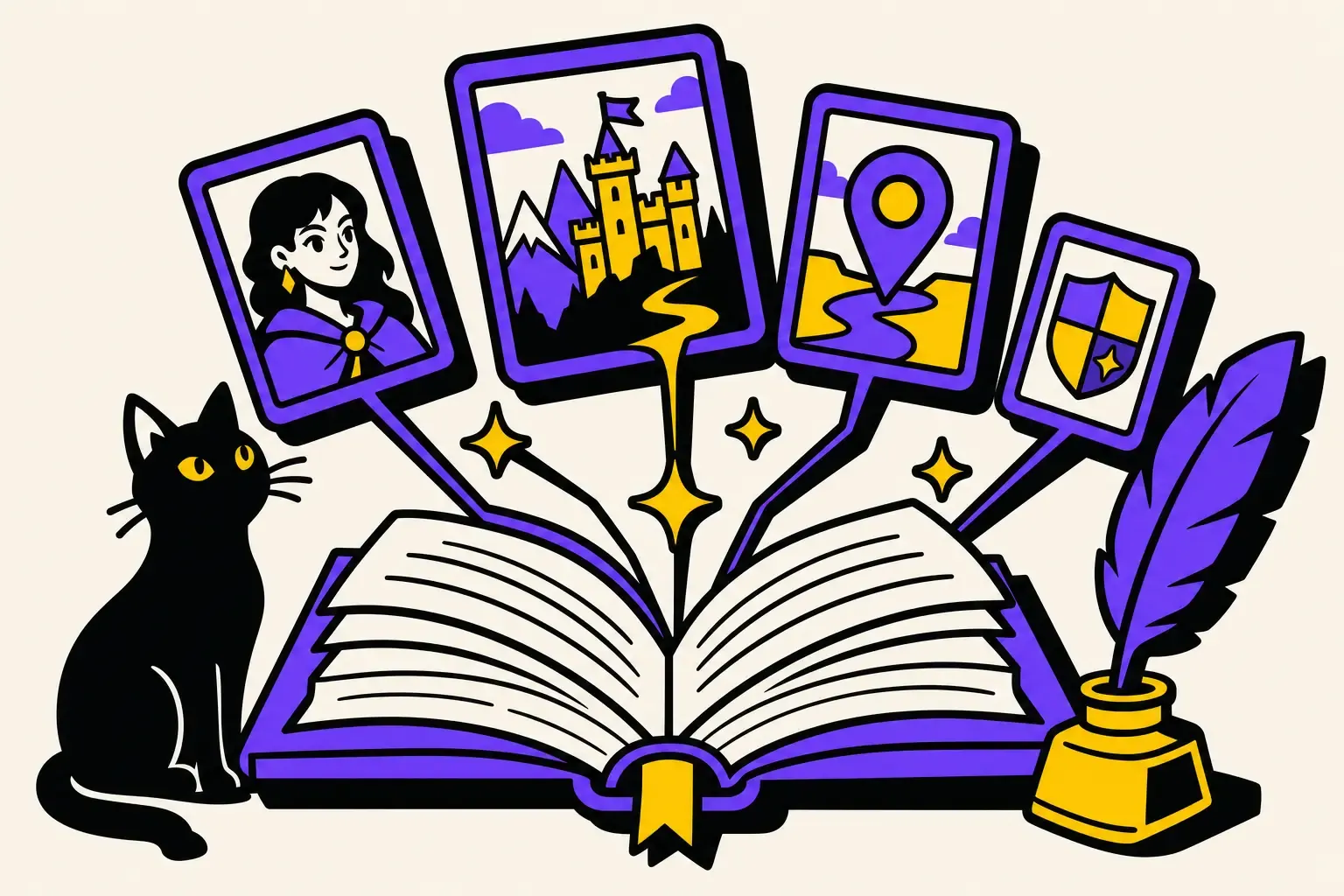
The BookWitch copilot chatting about a story, surrounded by character sheets, notes and a black cat
// writing, uninterrupted

Stay in the flow. The AI stays in its lane.

Highlight a sentence to tighten it. Hit ⌘K to draft the next scene. Let the AI keep going where you stall — in your voice, never its own.

  • Continue the scene with one shortcut
  • Tighten, expand or harden the tone in a click
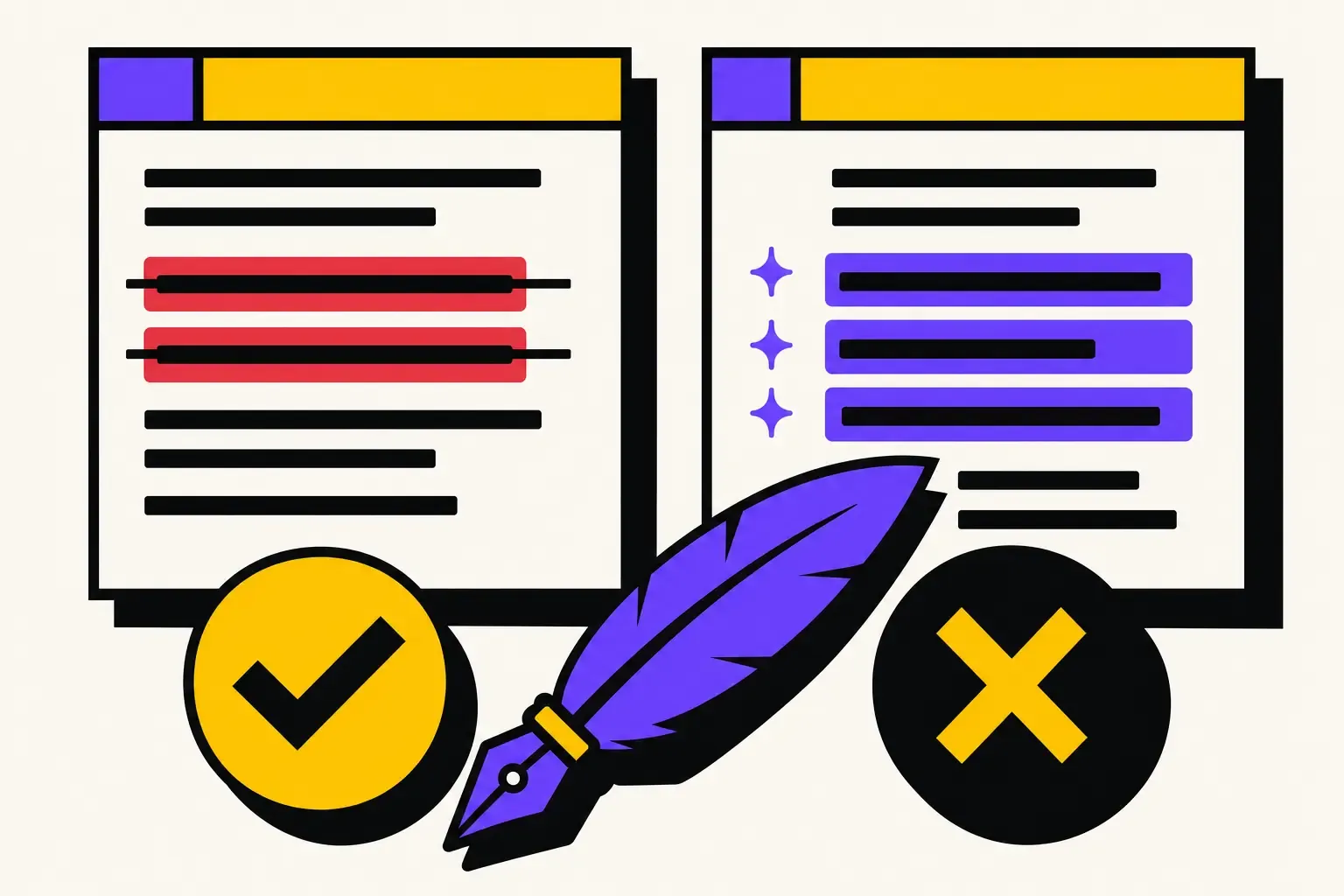
  • Every suggestion lands as a diff — accept it or kill it
Try the editor
An AI suggestion shown as a side-by-side diff — removed lines on the left, added lines on the right
// from blank page to published book

The whole journey, in one place

Brainstorm
Break a plot, a name, a twist. The AI starts from your world, not a blank page.
Plan & beats
Outline with proven structures, then fill each beat without losing the big picture.
Scene board
Drag scenes from “to write” to “done.” Watch the novel move at a glance.
Analysis & critique
Pacing, repetition, plot holes — a straight read before your first reader gets one.
Project copilot
Ask anything about your manuscript. It's read your Story Bible and your chapters — it answers like it knows the book.
Cover & export
Design your cover and export a clean EPUB or print-ready PDF, formatted for Amazon KDP.
// from manuscript to amazon kdp

Your book, ready for Amazon KDP

Writing the novel is the hard part. Formatting it shouldn't be. When your last chapter is done, BookWitch builds the exact files Amazon KDP asks for — no Vellum, no Kindle Create, no conversion roulette.

Kindle EPUB
One click, one clean EPUB with table of contents. Upload it to KDP as-is.
Paperback PDF
A print-ready interior in all 16 KDP trim sizes, margins computed from your exact page count — the rule Amazon actually checks.
KDP metadata
Your title, your 7 keywords, your categories — and a book description drafted by an AI that has actually read the book.
Pre-flight check
BookWitch checks your book against Amazon's publishing rules before you upload. You skip the reject-fix-reupload loop.
Prepare my book for KDP
EPUB for Kindle · print-ready paperback PDF · cover at KDP specs
// three steps

Start today. Write tonight.

01
Create your project
Genre, language, a two-line pitch. Import a .docx or start from scratch.
02
Feed your Story Bible
A few cards is enough. The AI uses them from the very first scene.
03
Write with your copilot
Generate, tighten, continue. Hands on the wheel, line by line.
// what writers say

They finished the manuscript that was collecting dust

I had 30,000 words sitting untouched for two years. Six weeks with BookWitch and I finished the first draft. It never once mixed up my twin sisters.
CRCamille R.Fantasy author
The diff is what sold me. I see exactly what the AI changes, I keep what rings true. It's my book, not its.
YBYanis B.First thriller
Exporting a clean EPUB without fighting the layout — the day I clicked that button, I almost cried.
SMSofia M.Self-published romance
This is for you if…
  • You're writing a real story — long, with a world to keep straight
  • You want a copilot, not a ghostwriter that writes instead of you
  • You're done juggling ten docs and a chat window
Skip it if…
  • You want a “write my novel” button to push while you sleep
  • You don't care whether your world stays consistent
  • You'll never reread or touch a single line
// your novel's waiting

Write it without compromise

The next chapter won't write itself. But you won't have to write it alone.

Start free
No credit card · your first chapter in 2 minutes
// before you start

The questions we get asked

How is this different from ChatGPT?
ChatGPT starts from zero every conversation. BookWitch holds your whole novel in memory — characters, places, plot, style — and feeds it into every generation. You stop explaining yourself.
Does the AI write for me?
No. It suggests, you decide. Every suggestion lands as a diff: accept, edit, or reject. The final text stays yours.
Do I own my manuscript?
Completely. Your words are yours, and you can export them anytime as EPUB, PDF or document. No lock-in.
Can I write in my own language?
Yes. The interface and the writing handle several languages, and the AI answers in your project's language.
Can I import a novel I've already started?
Yes. Drop in a .docx or .epub and the editor splits it into chapters and scenes, ready to work.
Can I publish my book on Amazon KDP with BookWitch?
That's what the export is built for. BookWitch generates the EPUB for Kindle and the print-ready paperback PDF at real KDP trim sizes, plus your description, keywords and categories. You upload the files to your KDP account in a few minutes — Amazon requires that authors hit publish themselves.
Do I still need Vellum, Atticus or Kindle Create?
No. Formatting is built in, and a pre-flight check validates your book against Amazon's rules before you upload — so you skip the reject-fix-reupload loop. Write, export, publish: one tool.